Separately from the app, lights/props can only be in one group at a time. To remove them all they would all need to be on and in range and you could go to the grouping setting on p5m1 and delete it to clear all grouping.
To delete the grouping, hold the button down on one of the grouped lights until it starts blinking red. Once it finishes blinking, that grouping will be deleted across all the connected lights.
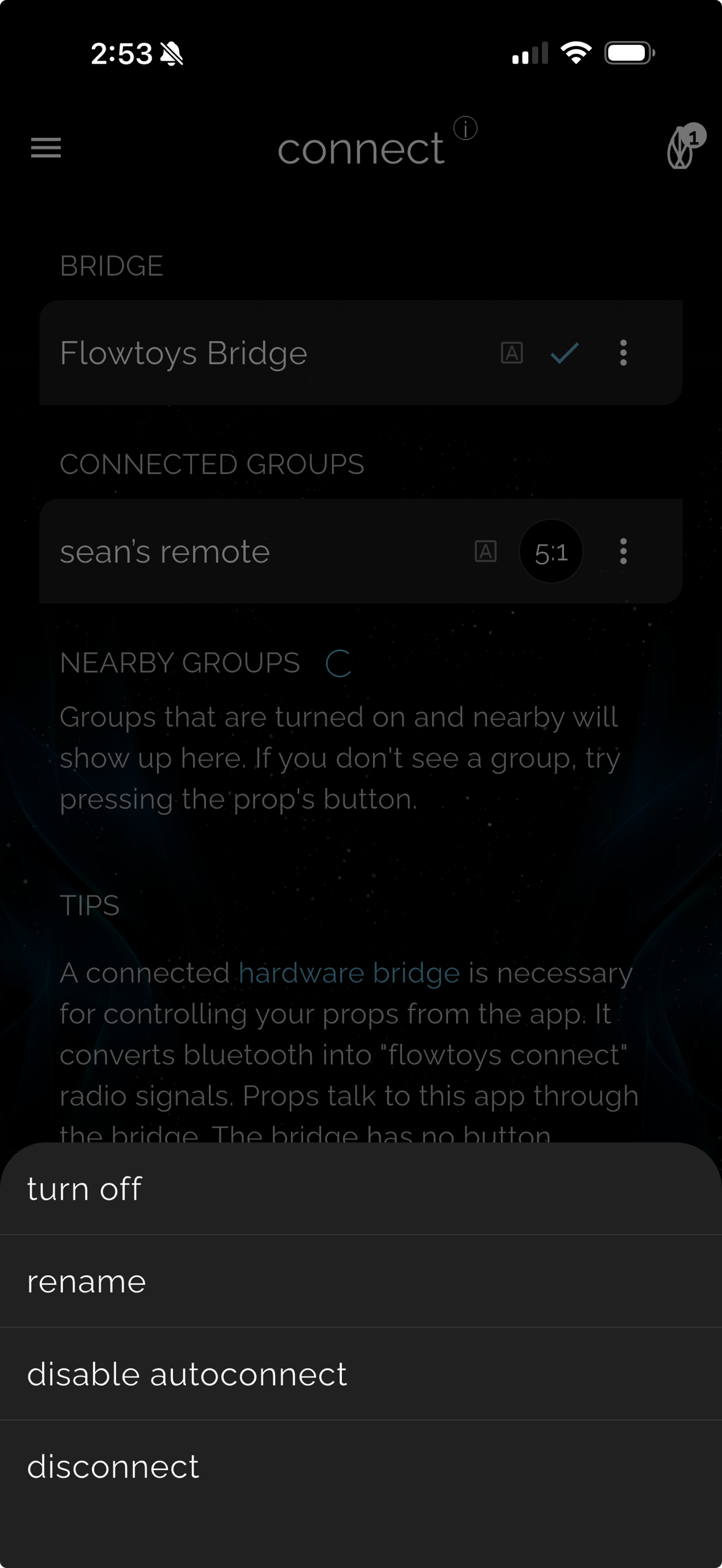
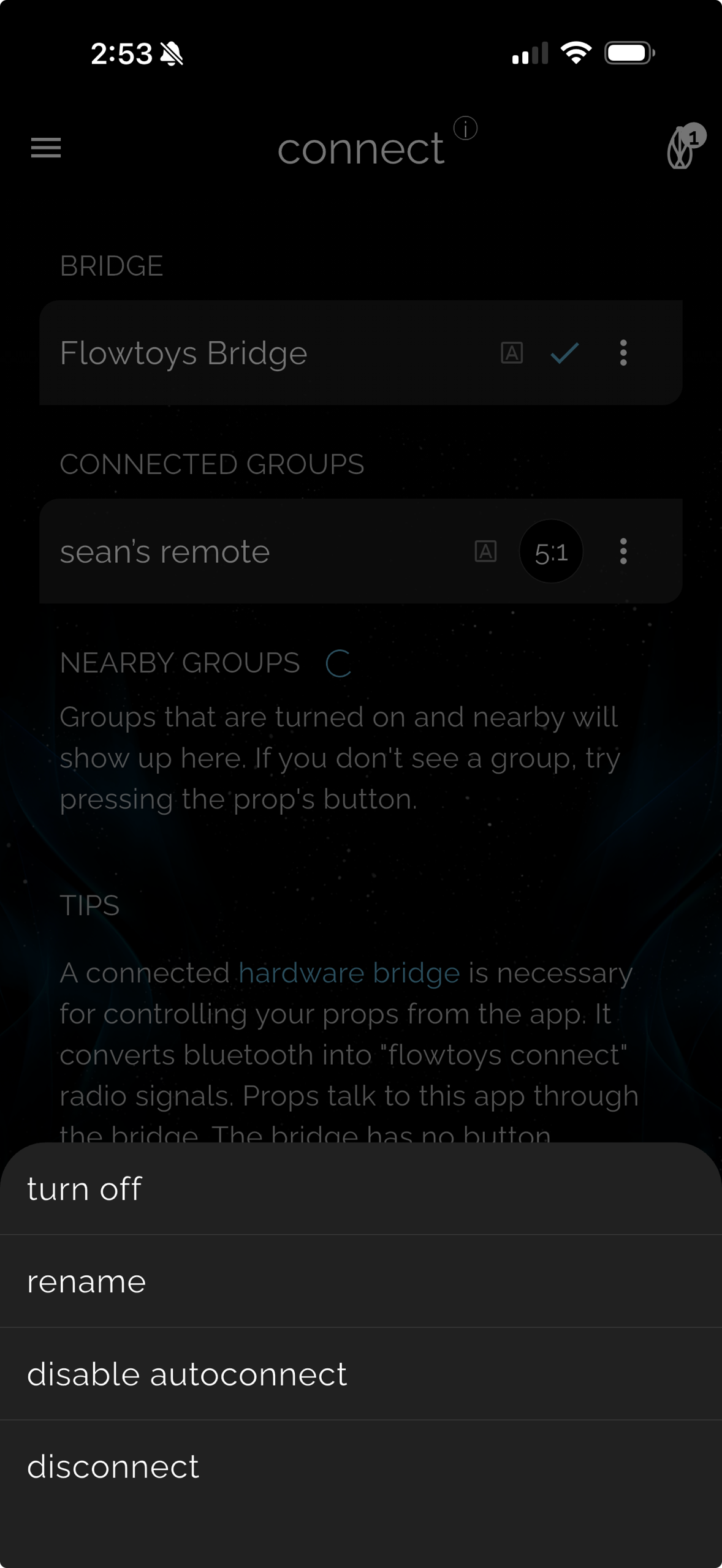
In the app there is currently no global prop management, you can only individually manage props that are present and connected to the bridge. Prop naming and connection is all open, so another user/account can also connect to and rename the same prop. If you are automatically connecting to a prop/group that you don't want, disable auto connect for that group as shown in the image below.
If you have any questions feel free to email us at info@flowtoys.com